Medieval Environment Pack — Low-Poly Medieval Village, Castle & Props
A downloadable asset pack
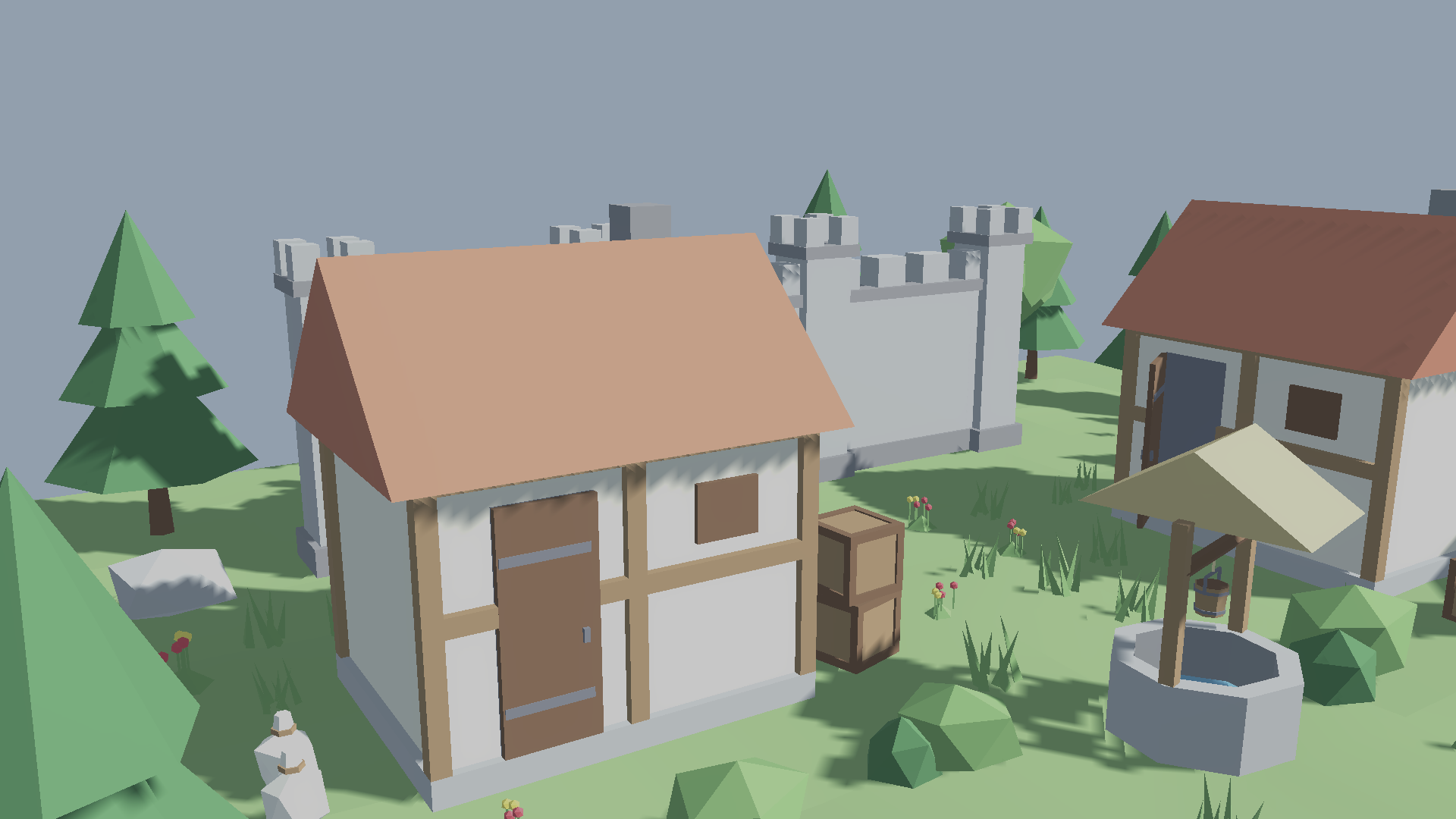
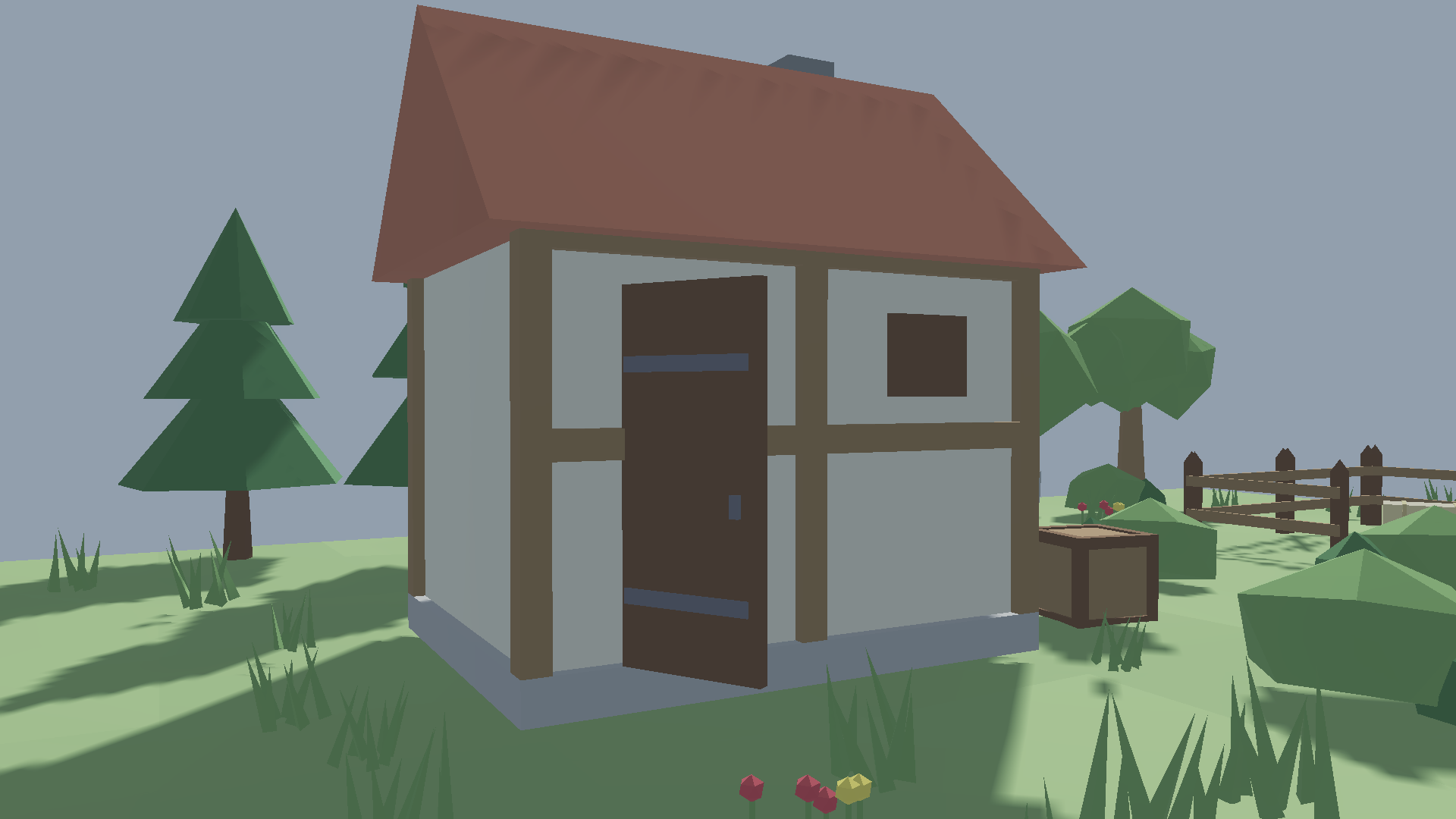
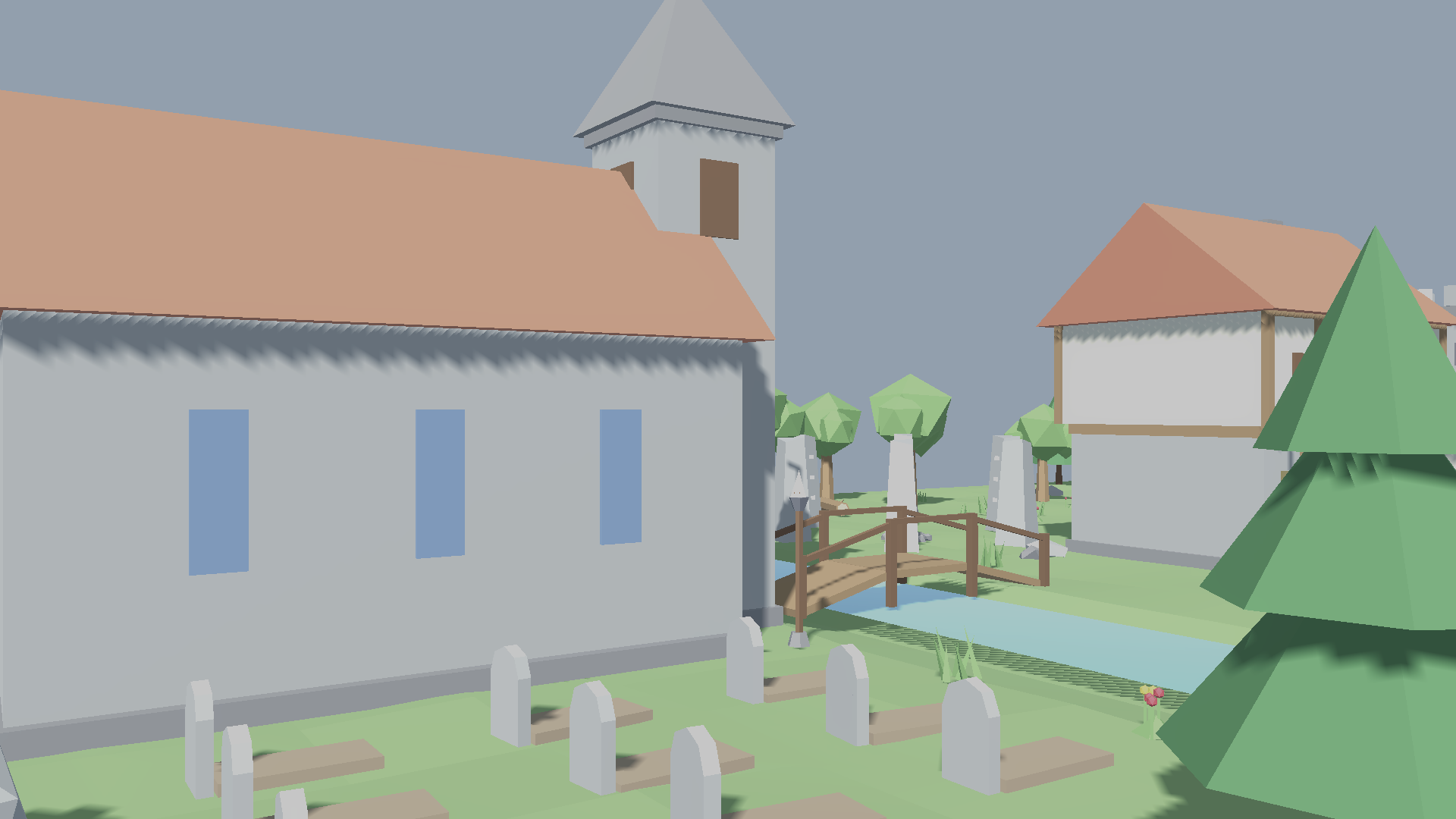
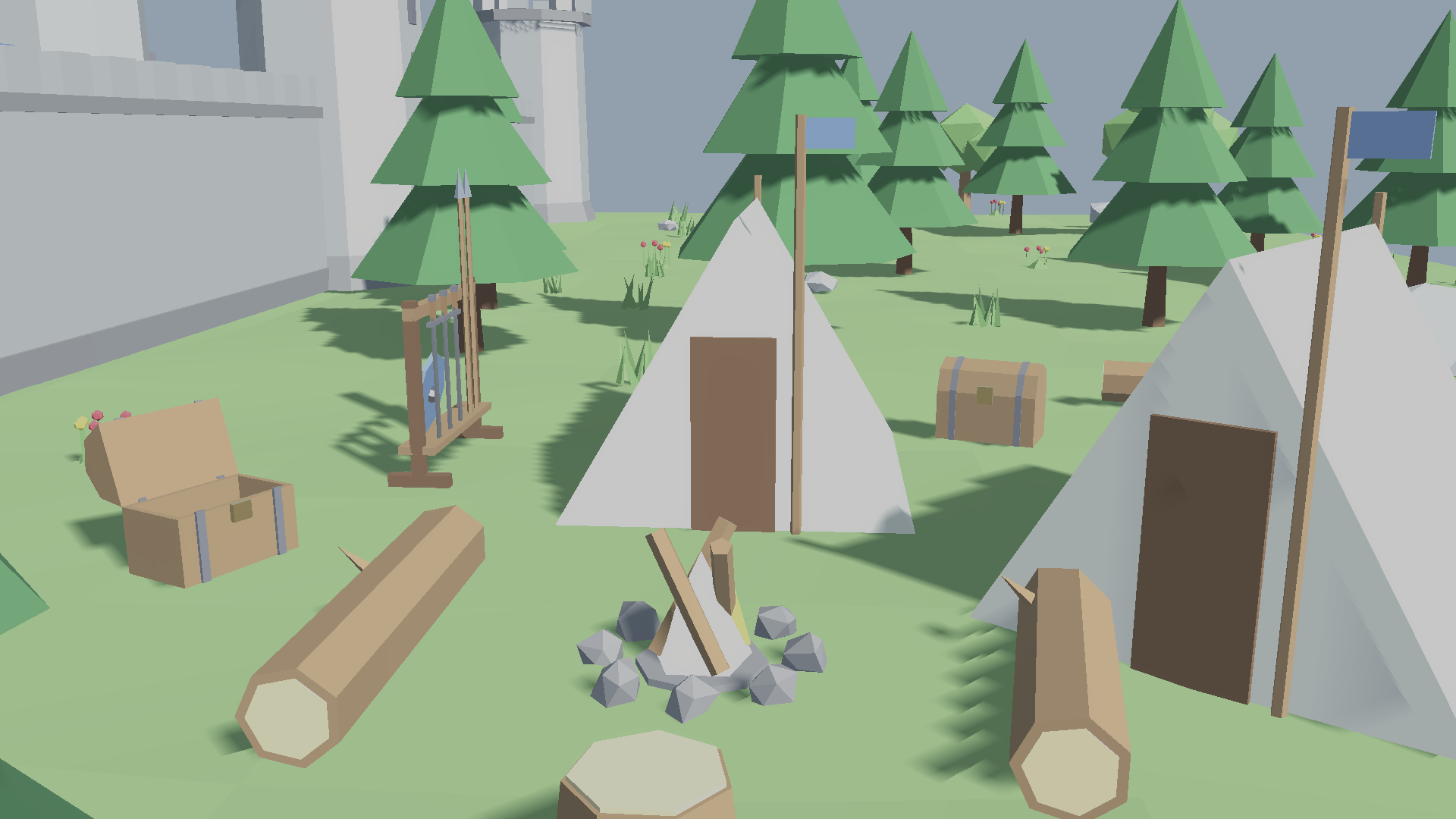
A low-poly medieval world of 114 meshes with a consistent flat-color style: enough to build a walled castle town with its keep, market, tavern, chapel, smithy, farm and the woods around it. Every mesh ships as a plain .fbx with its materials already assigned (flat color, no texture maps): import into Unity, Godot, Unreal, Blender or any other 3D tool and it looks right immediately.
Built to the scale of the Medieval Characters Pack cast: doorways are at least 1.0 × 2.4 m clear, the castle gate 1.8 × 2.75 m, and the walls snap on a 4 m grid.
This page hosts two downloads:
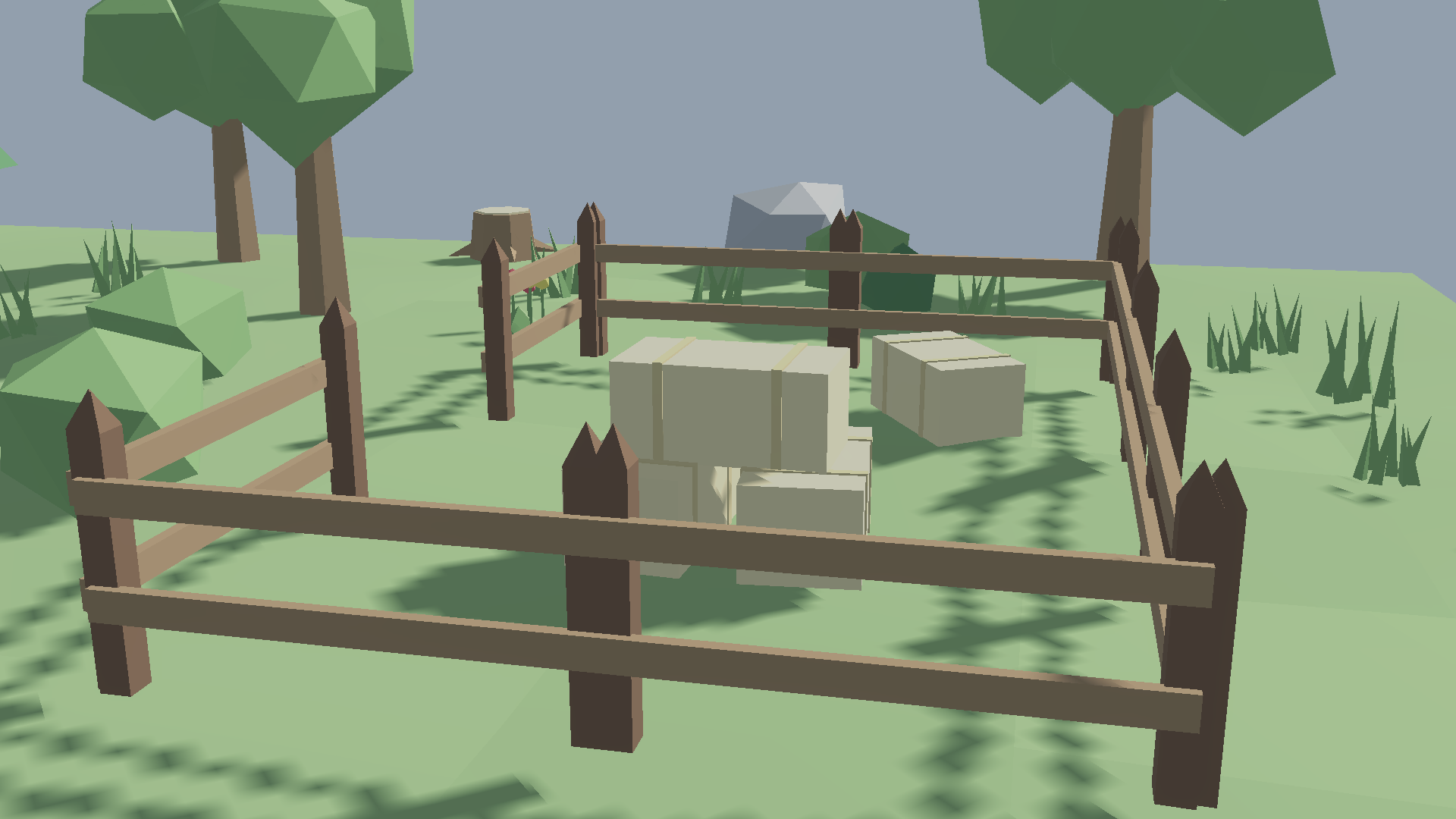
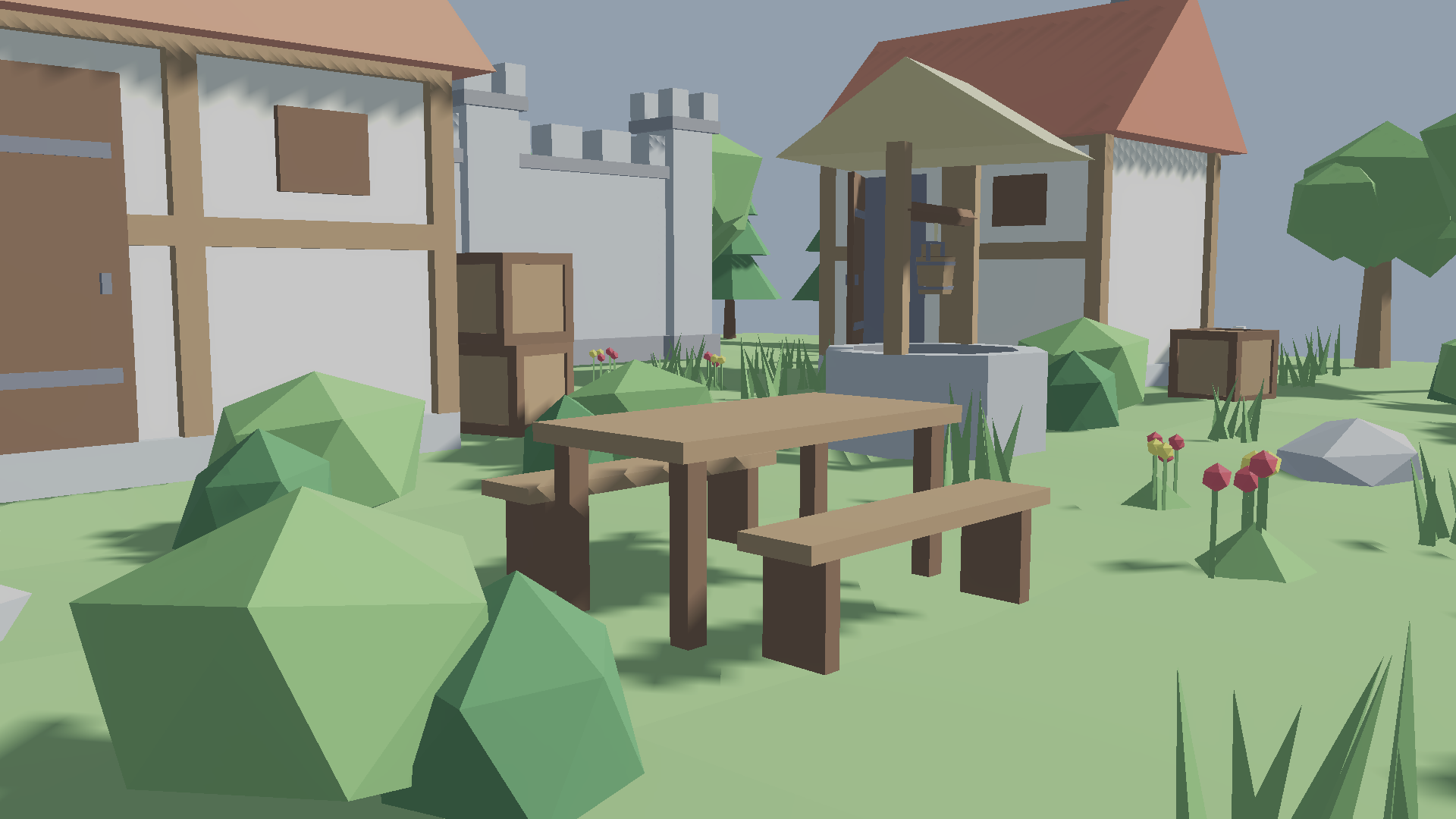
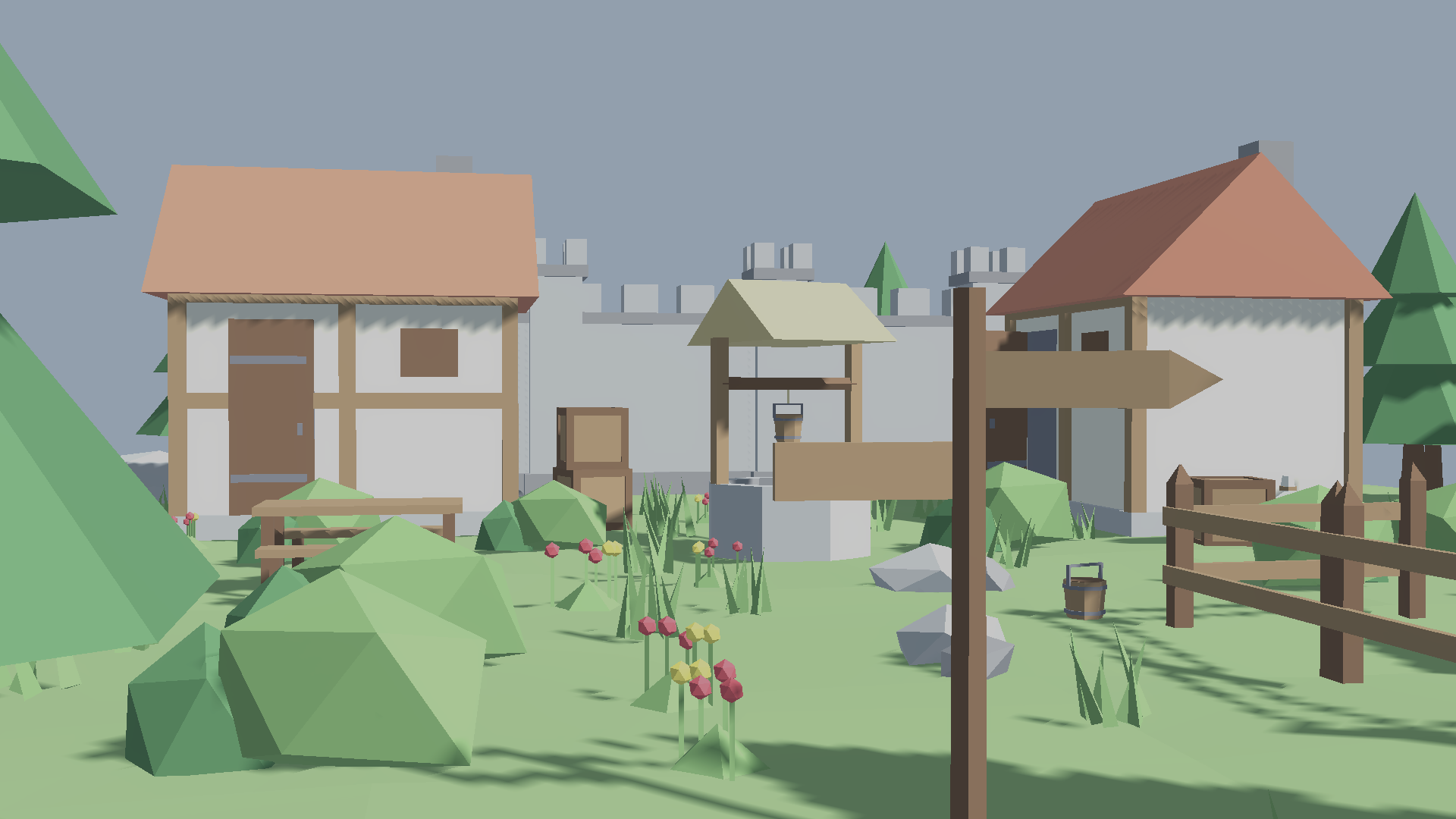
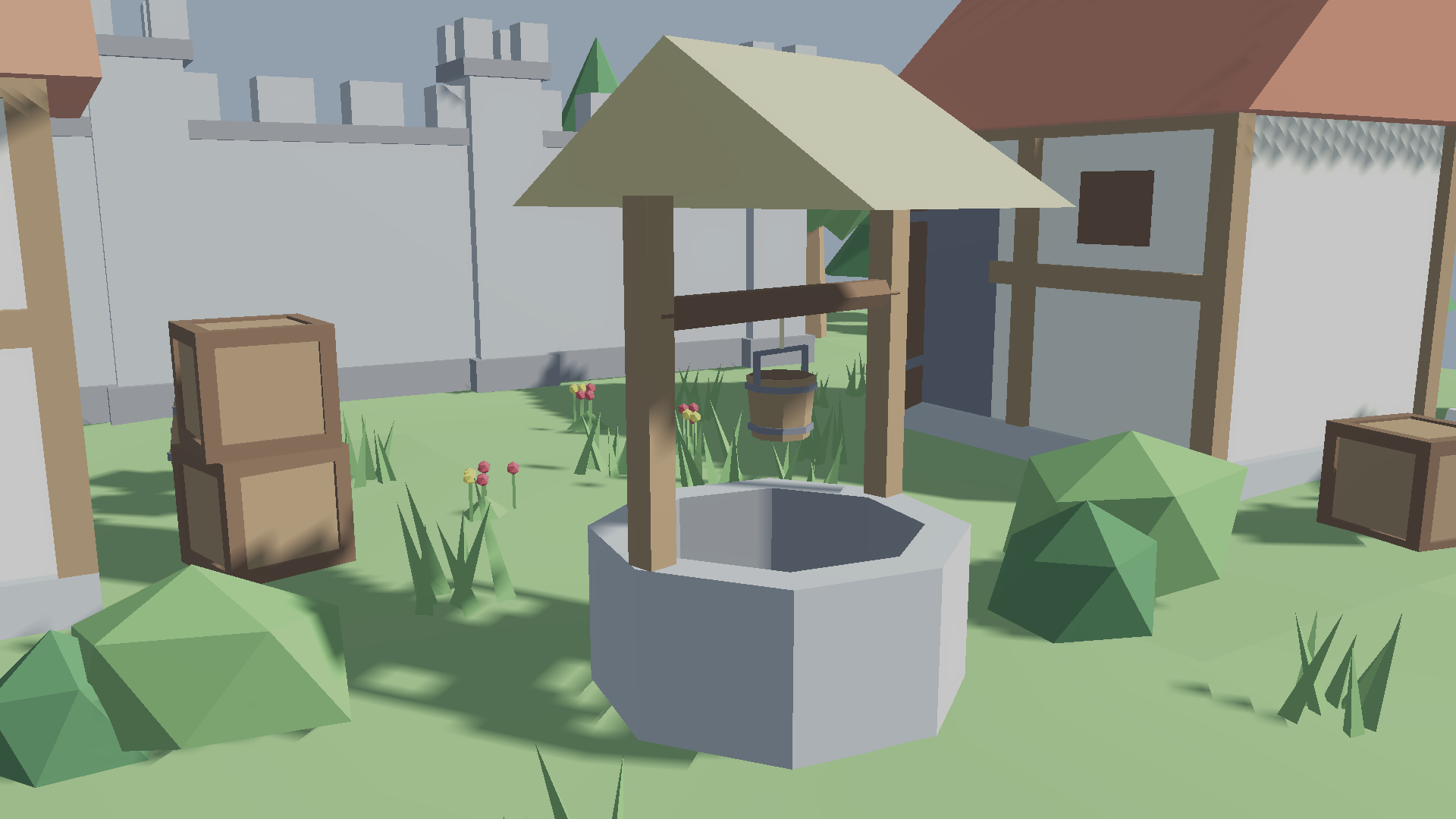
Free (23 meshes) — a hamlet starter set: small house with its door, stone wall and pillar, well and bucket, barrel, crate, sack, fence, hay bale, bench, table, signpost, oak and pine trees, bush, large and small rocks, grass tuft, flowers, fallen log and tree stump.
Full pack (114 meshes) — everything in the free download, plus:
- Castle — wall gateway with gate leaves, round watchtower, stone stairs, banner pole, torch post, archery target, training dummy, weapon rack with sword, spear and shield
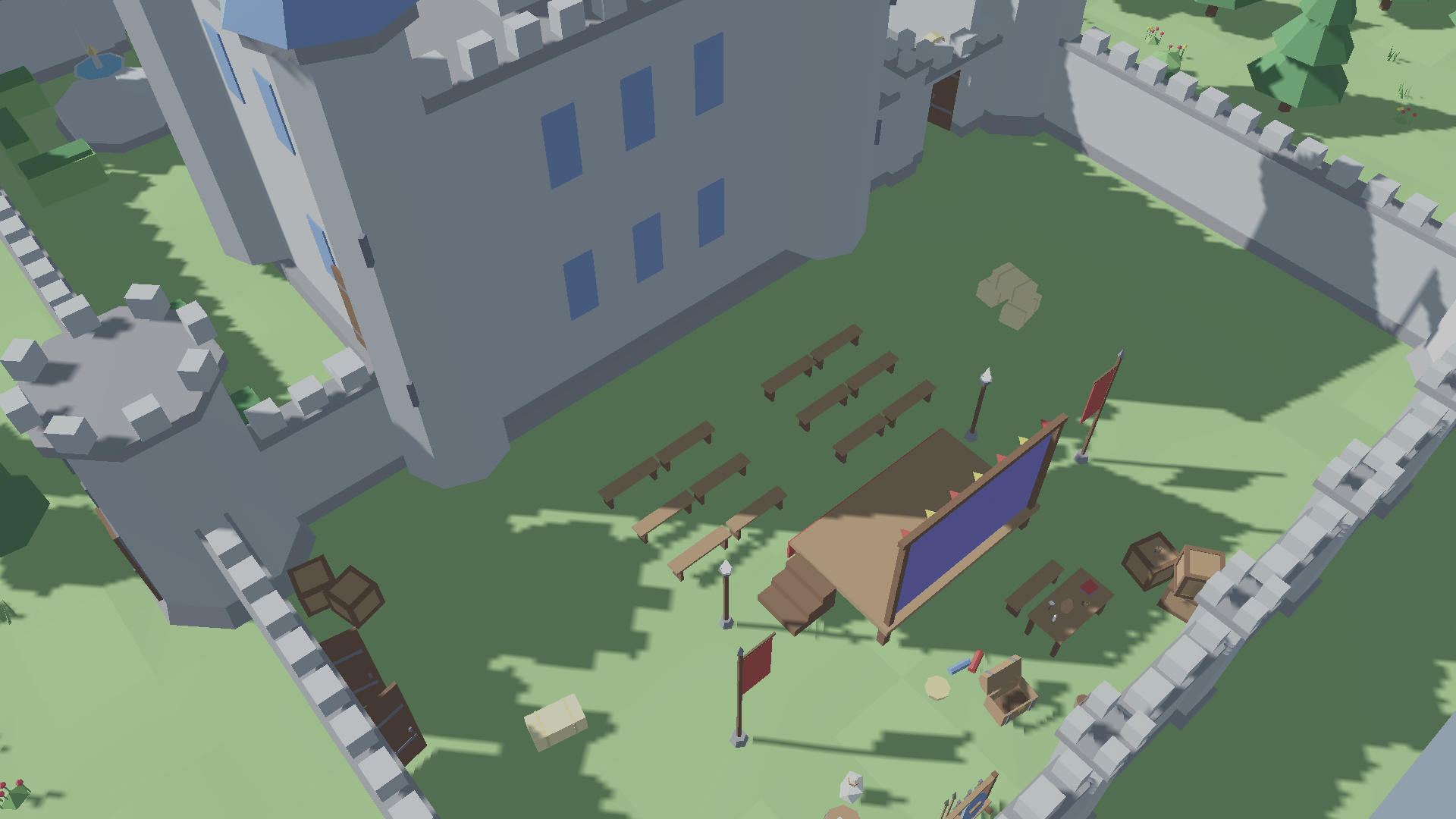
- Court — royal keep with an open throne loggia, thrones, daises, fountain, tapestry, carpet runner, chests (closed and looted), trimmed hedge, wooden performance stage
- Village — large two-storey house, wide door, wooden footbridge
- Church — chapel with bell tower, gravestone
- Market — cobblestone floor tile, market stall, hand cart, notice board with blank and wanted notices, empty bucket
- Tavern — two-storey tavern, kegs and keg rack, hanging sign, tankards (full and empty)
- Bakery — bread oven, bread board, long and round loaves
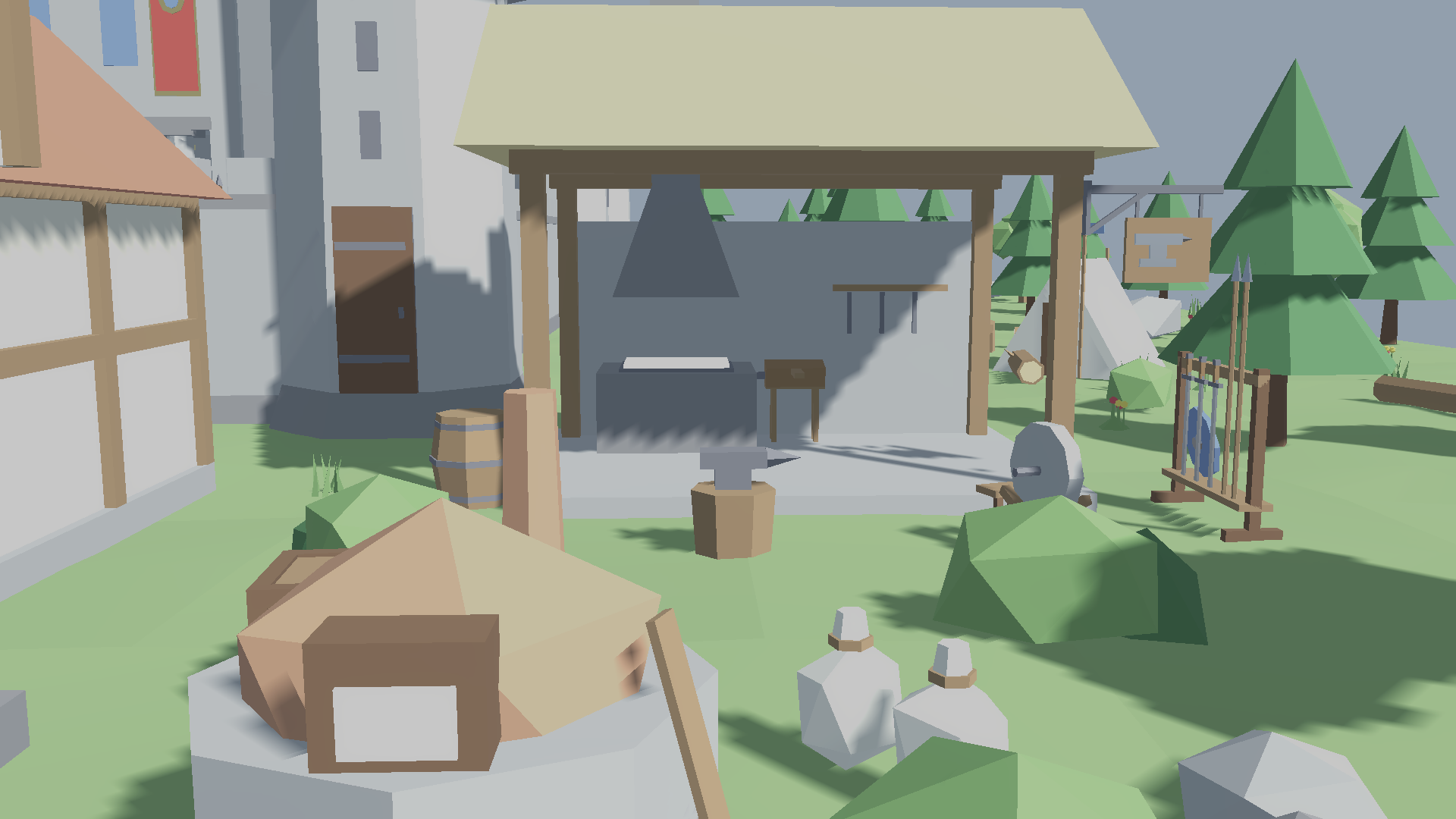
- Smithy — open-sided smithy, forge, anvil, grindstone
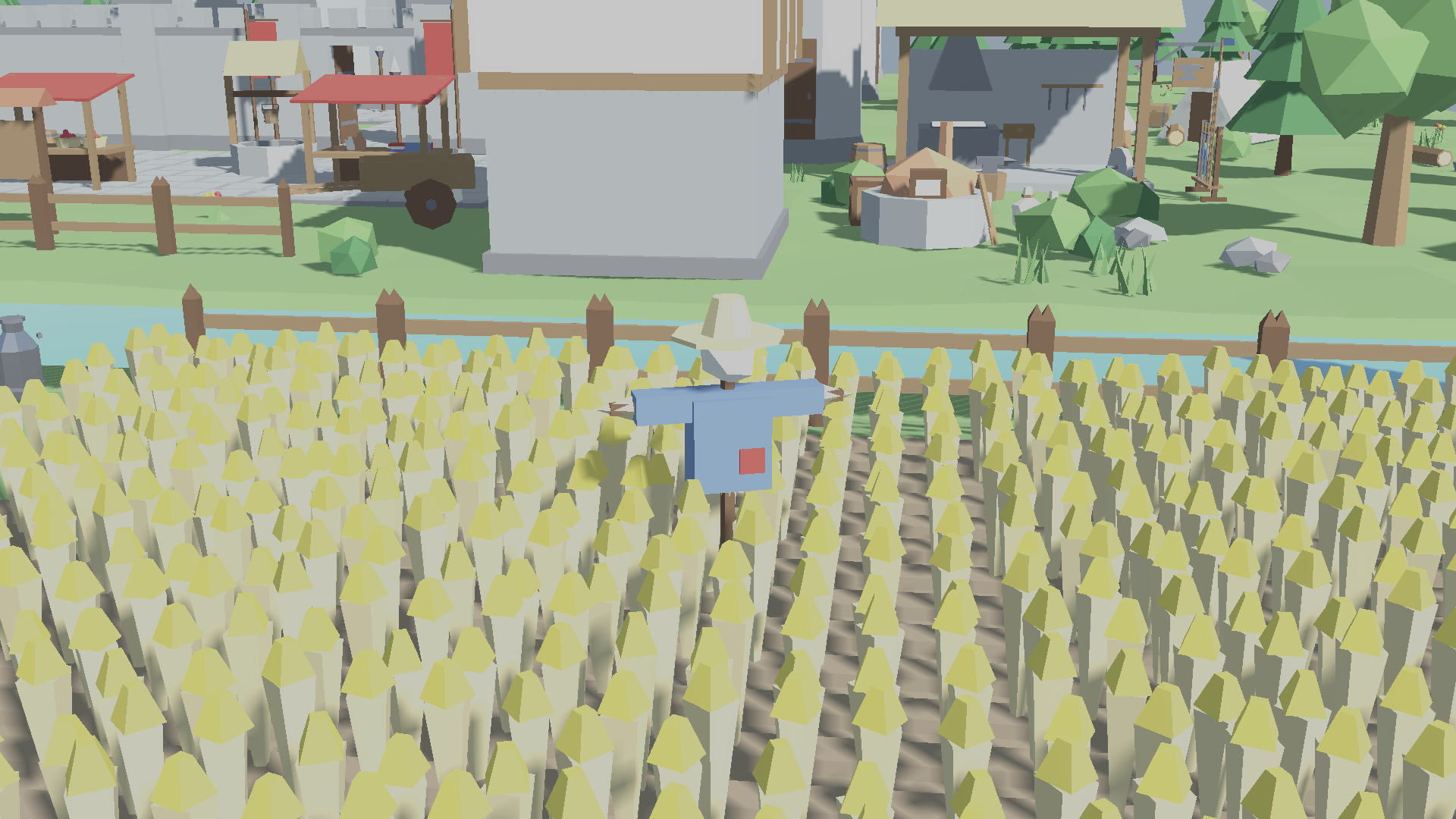
- Farm — wheat field patch, scarecrow, milk churn, water trough
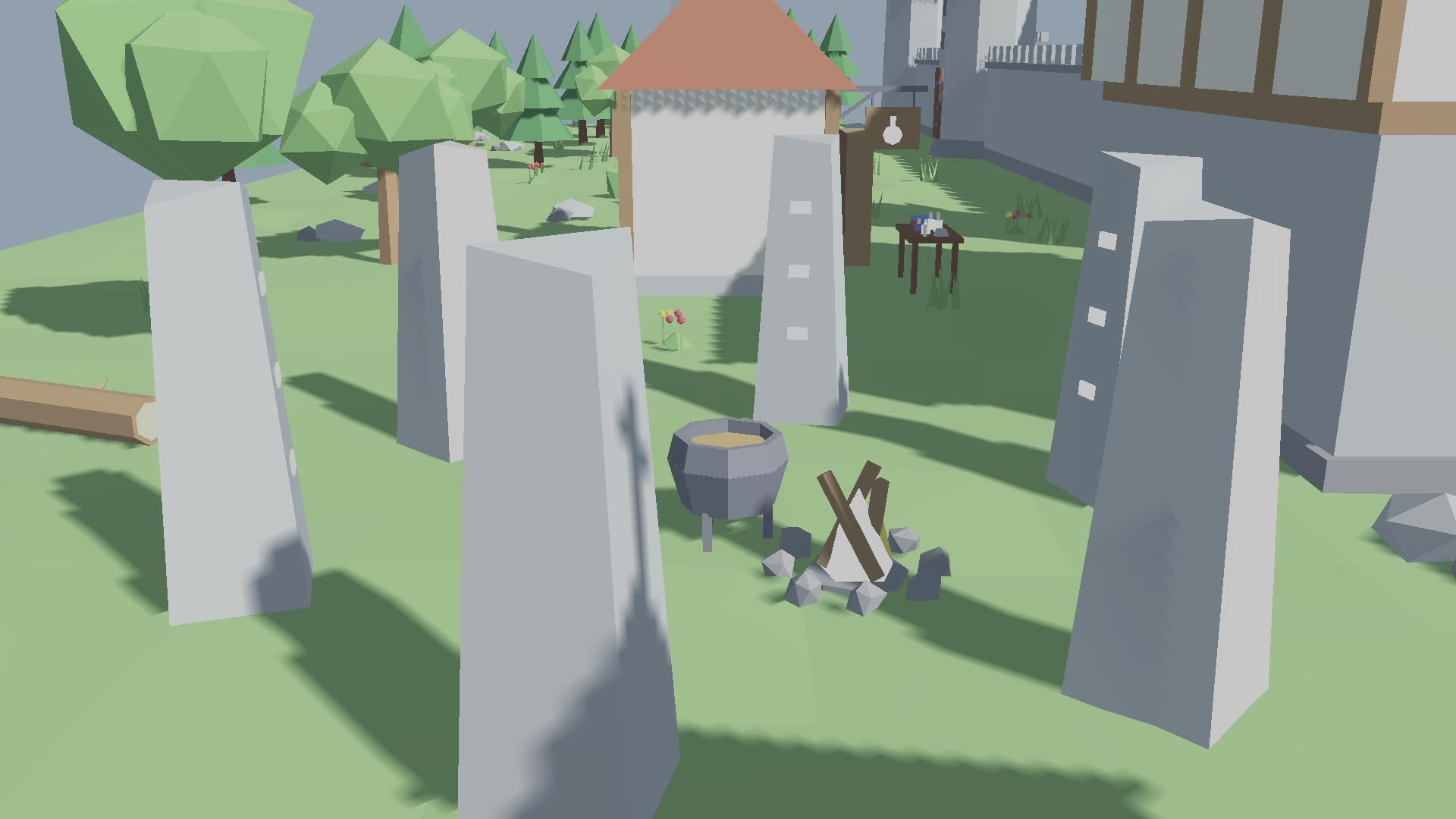
- Arcane — alchemy table, bookshelf, book rows and tomes, cauldron, candle, mortar, four potion bottles, rune-carved standing stone
- Wilds — campfire, canvas tent
- Tabletop goods — apples, baskets, bowls, jugs, cloth bolts and folded cloth, to dress stalls, tables and shelves
- Fire — separate emissive flames for the torch post, campfire, forge, oven and candle, so they can be swapped for a particle effect
- Shop emblems — tankard, loaf, anvil and potion-bottle emblems for the hanging sign
What's in each file
- One mesh per `.fbx`, one material per color swatch, drawn from a shared 30-swatch palette
- Metric scale (1 unit = 1 m), origin at the base centre, fronts facing the same way on every mesh
- Parts that attach to another mesh are their own files so they can move or be swapped: door leaves (pivot on the hinge edge, so they swing), fires, sign emblems, the well's bucket, weapons for the rack, notices for the board
- Roughly 10–1,400 triangles per mesh (most props under 200; the whole pack, one of each, is about 11,400) — suitable for real-time, mobile and VR
- Reference scenes in `Scenes/`, one .fbx each, the same showcases as the screenshots: the hamlet in both downloads, plus the full village in the paid one. They're the meshes laid out, with doors, fires and the ground in place, to open and look around or pull pieces from; build your own scenes with the loose files in `Meshes/`
Installing
Unity (.unitypackage) — URP projects, Unity 6000.3 or newer
1. Extract the downloaded .zip if the .unitypackage is inside one.
2. With your project open, go to Assets → Import Package → Custom Package… and pick the .unitypackage (or double-click it, or drag it into the Project window).
3. Leave everything ticked in the import dialog and click Import.
4. Prefabs are in `Prefabs/` and ready to drag into a scene. The sample scene (`Samples/URP/URPScene` for the free hamlet, `URPScenePro` for the full village) shows every piece placed, doors and fires included.
If the materials show up magenta, the project isn't using URP. The Unity package is URP only; for the Built-in or HD render pipelines, use the .fbx files below instead.
Any engine or 3D tool (.fbx)
1. Extract the downloaded .zip. The meshes are in `Meshes/`, one `SM_<Name>.fbx` per mesh, alongside `Scenes/` (the reference scenes), `README.md` and `LICENSE`.
2. Import the .fbx files the usual way for your tool:
- Unity: drag the files into the Project window. Tick "Generate Lightmap UVs" in the model import settings if you bake lighting.
- Godot: copy the files into your project folder. Godot imports them automatically; open one as a scene or instance it.
- Unreal: Content Browser → Import, and choose "Static Mesh".
- Blender: File → Import → FBX (.fbx).
3. The materials come with the files (flat color, no textures), so there are no texture paths to fix.
Purchase
In order to download this asset pack you must purchase it at or above the minimum price of $5 USD. You will get access to the following files:
Download demo
Leave a comment
Log in with itch.io to leave a comment.